How to save a recipe from Instagram, a video or the web
A saved post is not yet a recipe you can cook from well. Receptli can turn an accessible link into a draft with ingredients and steps. The result depends on what the source actually contains.
See the steps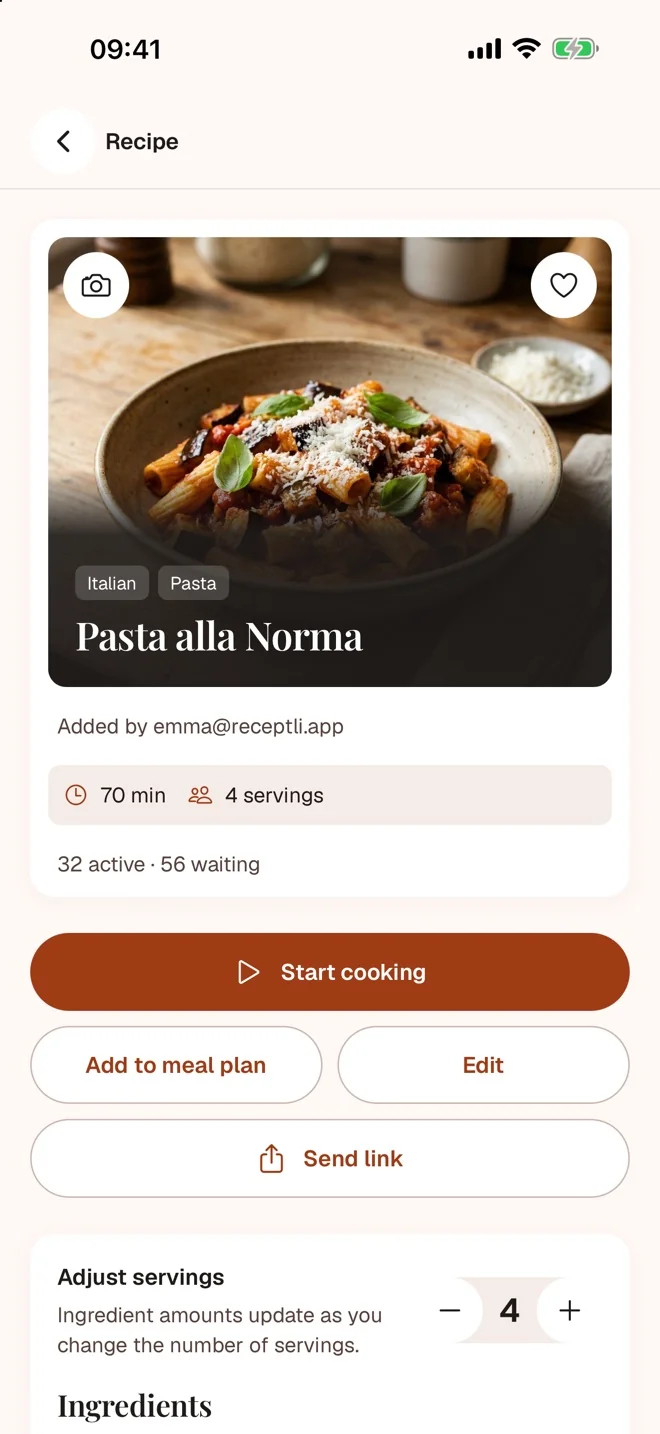
Copy the link to the specific recipe
On Instagram, TikTok, Facebook or YouTube copy the link directly to the post or video. On the web use the page with the recipe, not the author's home page. Paste the link into Receptli or share it into the app if your phone offers that.
Pick the language and prepare the draft
Set the recipe language in Receptli and add the link. English, Slovak, Czech, German, Spanish, French, Italian and Polish are supported. AI processing is optional and requires your consent.
Check what came through
Compare the ingredients and the method with the video or the caption. A short video may leave out a weight or a temperature. Do not fill in a missing value blindly; find it in the original source or leave it open until you have verified it.
Save the recipe together with its source
After checking, save the draft. You return to the recipe in your library and to the author through the link to the original source. Use a recipe from a source in a way that respects its author and their terms.
When importing a link does not work
- A private, deleted or login-restricted post may not be accessible. Support for a platform does not mean every link on it can be processed.
- Add the recipe text or readable screenshots you have access to. For a video you can use your own screen recording within the supported limits.
- Videos from social posts can be at most 3 minutes long; from YouTube only the first 15 minutes are processed. A long recording of several dishes is therefore not a good first import.
Try it with your own recipe
For a first attempt pick a public post with the whole recipe in the caption, or a short video with clear ingredients.
5 recipes and 5 AI imports free, once per account.
Compare plans